Expand
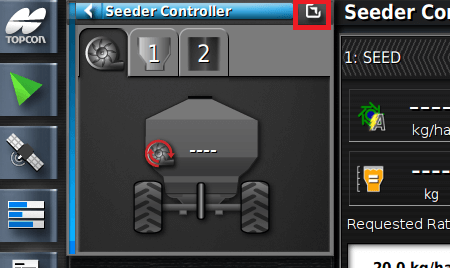
- To display full-screen mode, select the expand button on the mini-view window or swipe it from left to right.
Toolbar
- Used to select/deselect options on the seeder operation screen.

Tank Panel
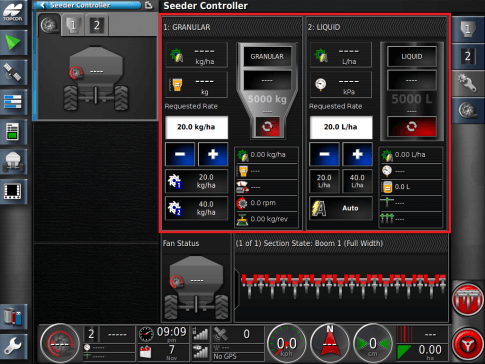
- The tank display panel shows tank settings and status for a specific tank(Granular or Liquid).
Status Monitoring Panel
- The status monitoring panel displays the status of the virtual switch box, full-width booms, blocked head monitor or drill control.

Fans
- The fan status panel displays the fan speed for enabled fans.
