Navigation Bar
- Opens mini-views to access other parts of the system.

Inventory Manager
- Enables management of vehicles,implements, fields, jobs, guidance lines and so on.

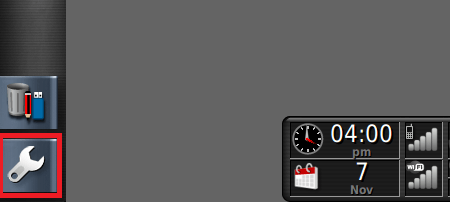
Setup Screen
- Switches to the Setup screen.
View Controls
- Allows the user to control what is displayed on the guidance map and how it displays.

Guidance Toolbar
- Provides tools used to control guidance.

Master Switch
- Turns product application on and off if ‘virtual master switch’ has been enabled during implement setup.

Auto Steer Engage
- Turns auto steer on and off.

Dashboard
- Provides selected information from the system for monitoring.
